
1 Automated Tasks
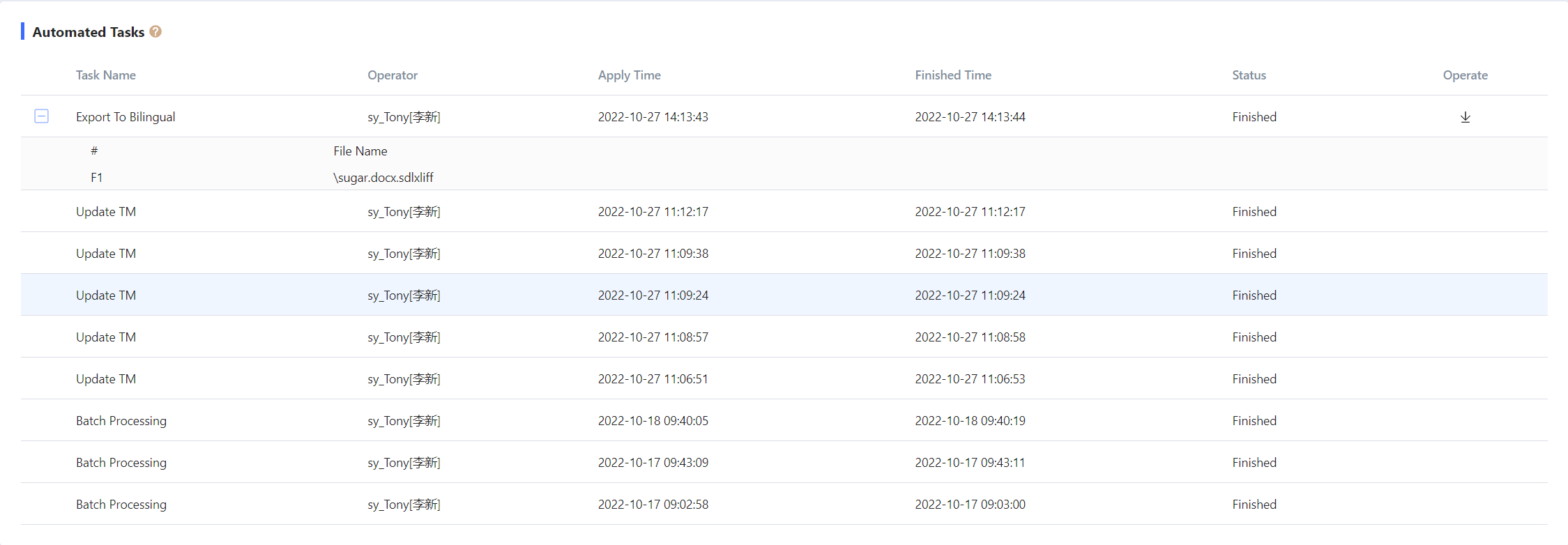
As shown in the screenshot, the Automated Tasks page primarily displays the types, statuses, and other information of automated tasks executed in the project. You can download exported files or uploaded file logs on this page.
1.1 Batch Processing
File batch processing: This task will be executed for newly added online files. After the task is successfully executed, a log download button will be displayed. Click the button to save the log file locally.

1.2 Split Bilingual Files
Split bilingual files: This task will be executed when a Split operation is performed on a bilingual file in the file center.
1.3 Update TM
Update TM: This task will be executed when an Update TM operation is performed on a bilingual file in the file center.
1.4 Export Bilingual Files
Export bilingual files: This task will be executed when an Export Bilingual File operation is performed in the file center. After the task is successfully executed, a download button will be displayed. Click the button to download the exported file.
